AI UGC vs Real UGC: 7 Smart Choices for D2C Brands in 2026–2027
Choose between synthetic presentation and creator-shot product proof with a practical framework for authenticity, permissions and fair testing.
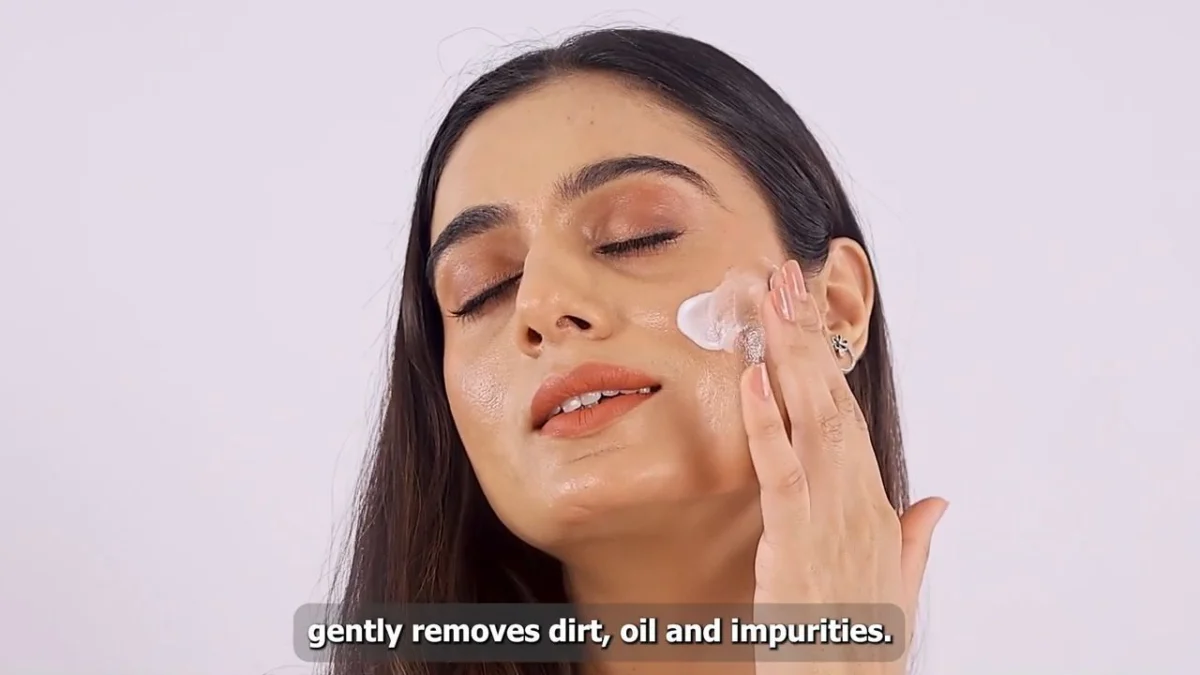
AI UGC vs real UGC is a choice about the evidence your buyer needs, not simply how quickly you can export a video. When texture, fit or actual use matters, creator-made product videos can show a real physical interaction. A synthetic presenter can explain information, but cannot truthfully supply a personal product experience that never happened.
This comparison helps D2C founders, growth marketers, e-commerce teams and brand marketers choose a production method, write an honest brief and measure the result. Adverra Studio is led by Prince; the approach here connects the product question to the footage, rights and edit instead of promising that one format will always perform better.
Key takeaways
- Use actual filmed footage when physical product evidence matters.
- A synthetic presenter is not an independent customer testimonial.
- Secure likeness, voice, music and paid usage rights separately.
- Compare matched messages and judge meaningful business outcomes.
How should you decide between AI UGC vs real UGC?
Choose creator-shot footage when the buyer needs to see a real person handle, wear or explain the actual product. Choose clearly labelled synthetic presentation for suitable scripted explanations, then test it against human footage without assuming either format will win.
The useful distinction in AI UGC vs real UGC is the origin of the evidence. A synthetic presenter can deliver a brand-approved sentence, but that sentence does not establish personal product experience. A creator can record experience, although the brand must still check whether the script accurately reflects it. Neither a human face nor a disclosure label makes an unsupported claim acceptable.
For a skincare launch, texture, application and the finish on skin may be the questions preventing purchase. A generated talking head cannot independently verify those properties. For a simple explanation of how to redeem an offer, the presenter may matter less than clarity. Start with the unanswered buying question, then select the production method that can answer it honestly.
At Adverra Studio, the practical starting point is the creative brief: which objection needs evidence, and which lines simply need explanation? Keep those categories separate. You can combine approved graphics with filmed demonstrations, but viewers should not have to guess which parts show actual product use. A beautiful simulation is still a simulation.
What do AI UGC videos and creator-shot videos actually mean?
AI UGC videos usually imitate creator-style advertising using generated presenters, voices or scenes. Creator-shot videos use recorded human performances and physical footage; both may involve scripts, paid production and editing.
AI UGC vs real UGC: identify the source
UGC means user-generated content, but commercial teams often use the term for commissioned creator-style advertising. That paid asset is different from an unsolicited customer review. Call it a creator demonstration or paid partnership where appropriate rather than implying that a customer spontaneously volunteered a recommendation. The distinction matters whether a presenter is filmed or generated.
An AI avatar is a synthetic or digitally represented presenter. Some avatars derive from a consenting person’s licensed likeness; others are generated characters. A voice clone uses a digital reproduction of a voice, which calls for separate permission and contractual scope. AI-assisted captions, noise reduction or an editing workflow do not automatically turn genuinely filmed footage into a synthetic testimonial.
In AI UGC vs real UGC comparisons, record the provenance of every layer: presenter, voice, product shot, background and script. Real creator content can sit alongside generated motion graphics without losing its filmed origin. Problems begin when the edit suggests a real product interaction or a personal experience that nobody actually recorded.
Compare AI UGC vs real UGC across seven buying decisions
Compare the formats on proof, permissions, revision effort, localisation, consistency, audience fit and measurable outcomes. This makes the trade-off specific to your brief instead of reducing it to a blanket claim about speed or authenticity.
Use the comparison table as a briefing tool rather than a performance ranking. A generated presenter may simplify a scripted wording change, yet a product scene with inaccurate packaging may require extensive correction. Human footage requires casting and filming, but it can capture the small physical details that a buyer needs before trusting a demonstration.
UGC authenticity is not a visual filter. Natural pauses, plausible language and a lived-in background can help a video feel familiar, but the strongest foundation is an honest relationship between what appears on screen and what happened. Do not stage a paid performance as an independent customer review simply because the delivery sounds conversational.
For D2C video ads, separate production convenience from commercial value. The cheaper file is not necessarily the cheaper customer acquisition route. Count approval work, claim checks, rights, revisions and the useful life of an asset. Equally, avoid assuming a human shoot must win: the message, audience, landing page and offer can overwhelm the format difference.
| Decision | Synthetic presentation | Creator-shot footage |
|---|---|---|
| Product proof | Use verified footage or label illustrative scenes | Film the actual product interaction |
| Personal experience | Do not invent a testimonial | Only describe genuine approved experience |
| Permissions | Check avatar, voice and tool licences | Check creator, footage and music licences |
| Revisions | Check generation accuracy after each change | Plan pickups and alternate takes |
| Localisation | Human review of language and representation | Native delivery with approved translations |
| Consistency | Inspect product and face continuity | Check lighting, framing and product version |
| Measurement | Matched experiment; no assumed winner | Matched experiment; no assumed winner |
When does real product proof make human footage the stronger choice?
Use human footage when physical interaction is part of the buying decision: texture, fit, assembly, packaging or everyday use. Record the actual product accurately and avoid turning an illustrative demonstration into a promised result.
A beauty brand might need a close-up showing how a moisturiser spreads, followed by the finish in consistent light. Brief the creator to use the actual quantity and explain what can be observed. Do not smooth the skin until a real texture claim becomes impossible to judge. Avoid before-and-after edits that change lighting, camera angle or exposure to manufacture a transformation.
Fashion brings a different evidence requirement: fabric drape, stretch, movement and fit across body positions. A synthetic model may communicate an art direction, but it does not demonstrate how a physical garment behaves on the person shown. Film walking, sitting and close detail when those answer likely objections. Use the approved size and avoid presenting a generated fit as a recorded fitting.
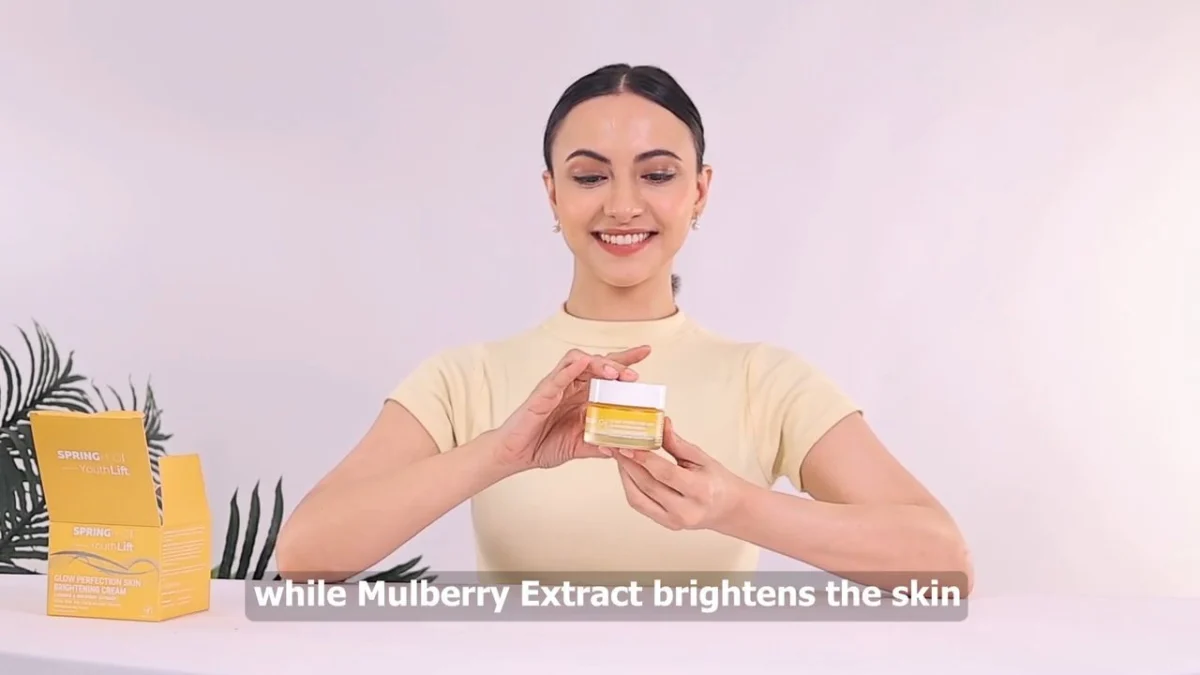
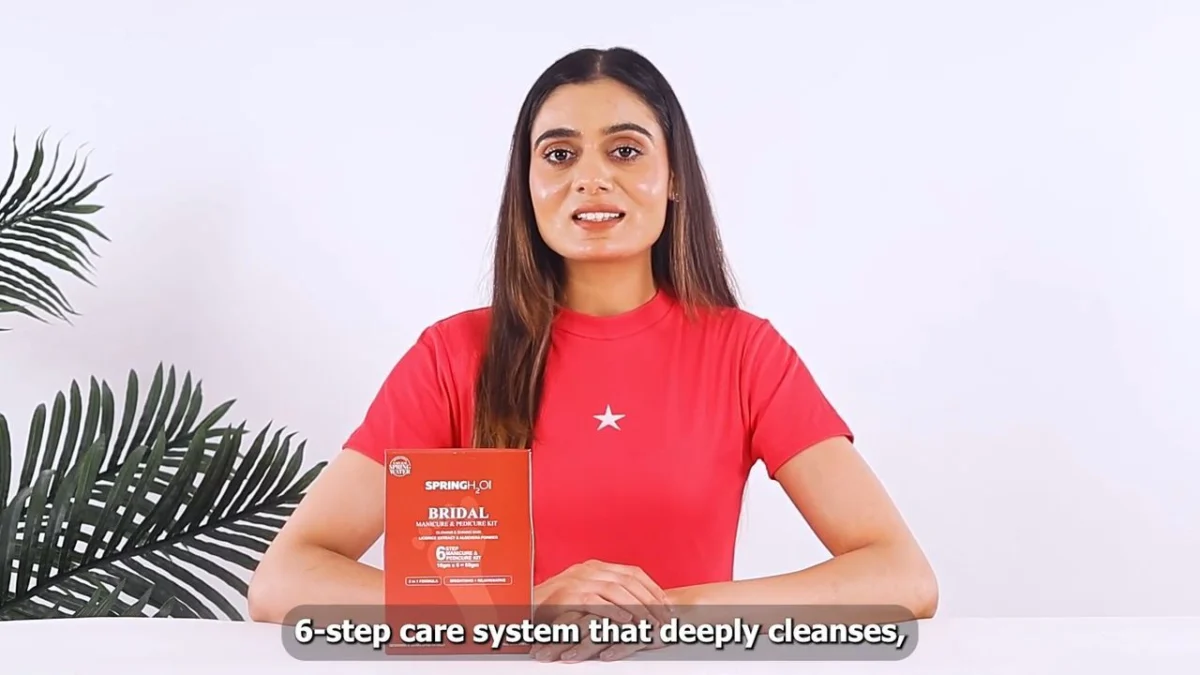
Food and wellness demand particular care around taste, routine and health claims. A creator can describe an actual sensory experience in their own accurate words; a generated spokesperson should not pretend to have tasted a product. Human creator videos are useful because they can document an encounter, not because every spoken opinion automatically becomes substantiated evidence.
Where can AI video ads be useful without pretending to be testimonials?
AI video ads can support scripted explainers, concept exploration and clearly identified synthetic presentation when permissions and claims are checked. Use them to communicate approved information rather than invent personal experience or product results.
An e-commerce team can explore opening lines, storyboard alternative scenes or visualise an explanation before committing to production. Treat those assets as concepts until someone checks product appearance and factual accuracy. For a launch meeting, a rough generated storyboard can help the team agree on the sequence without implying it is ready for a public product page.
A scripted presenter may also explain a non-experiential topic, such as the steps in a brand’s published returns process. Verify each sentence against the current policy and avoid promising exceptions the support team cannot honour. If the presenter looks like a real individual, establish consent and any required disclosure before distribution. Do not assume a tool subscription grants every commercial right.
AI UGC vs real UGC is therefore a production decision with several legitimate answers. Use synthetic presentation where the role is clear, and use filmed detail where physical evidence matters. A hybrid edit can work, provided synthetic additions do not change the apparent behaviour, colour, dimensions or effect of the product being demonstrated.
Build a creator brief that captures evidence before filming
Write the objection, approved claim, required product action, framing and usage scope before casting. A precise brief gives the creator room for natural delivery while protecting the evidence the edit needs.
Start with a single buyer question: for example, whether a moisturiser leaves a visible finish under ordinary indoor light. List the exact shot needed to answer it. Separate an observable detail from a performance promise, and attach the approved wording for any ingredient, certification or benefit claim. If the evidence is missing, remove the claim before the shoot.
For casting, prioritise category familiarity and the ability to explain the product over follower count. A commissioned video asset does not require the creator to publish to their audience. If a creator post or partnership ad is also needed, brief and license that separately. A natural performer still needs the product, relevant instructions and a clear boundary around what not to say.
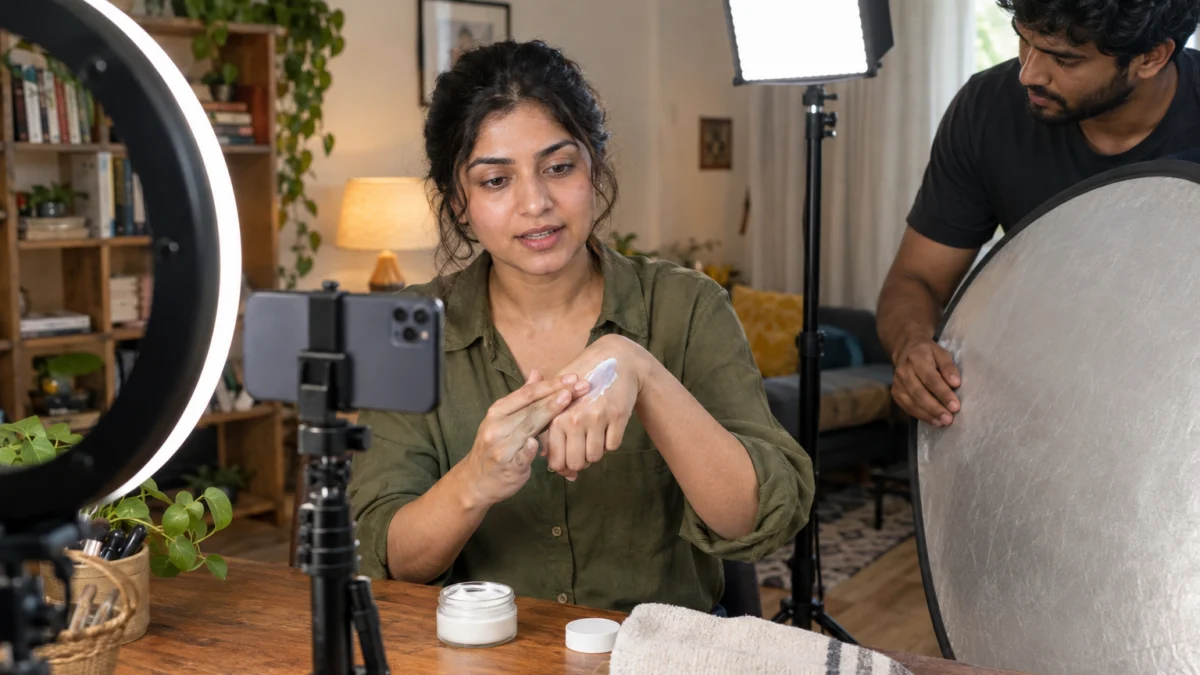
A useful handover includes the opening line, demonstration sequence, optional reaction, objection answer and call to action. Ask for clean product close-ups and a pause before and after each action so the editor has usable handles. At Adverra Studio, a brief connects strategy to the shot list; it should not read like a collection of unrelated trends.
A copyable evidence-first brief
- Buyer question: what does the product look like during application?
- Required proof: unfiltered texture and blending close-ups in consistent light.
- Claim boundary: describe visible properties; exclude unsupported results.
- Deliverables: agreed hooks, product shots, captions and placement exports.
- Permissions: written usage term, channels, edit scope and disclosure.
Write AI UGC vs real UGC scripts that stay honest
Write each line according to who is speaking and what they can truthfully claim. A fictional spokesperson can describe approved product information, while a human creator’s personal-experience line must reflect that creator’s actual experience.
AI UGC vs real UGC: script examples
Consider this illustrative skincare opener: ‘Here is the texture before I blend it in.’ It points to visible evidence and leaves the viewer room to judge. Contrast that with ‘This fixed my skin overnight,’ which introduces a strong result claim and personal testimony. Do not solve that problem merely by changing the presenter from synthetic to human; fix the unsupported statement itself.
For an explicitly synthetic explainer, a suitable line could be: ‘This is an AI-generated presenter explaining the brand’s application steps.’ Follow it with accurate filmed product footage or clearly identified illustration. Avoid ‘I have used this every day’ unless a real speaker can truthfully make that statement and the edit does not misrepresent their identity or experience.
For creator-shot videos, ask the person to explain a real observation using language they would naturally use. Keep the brand’s claim boundaries visible on the brief, then record alternate openers without changing the underlying promise. Hook variants should test framing, not quietly replace a modest observation with a dramatic unsupported result.
For more opening structures, compare the UGC script and hook examples with your evidence checklist. Keep the hook subordinate to what the footage can actually support.
Shoot and edit human creator videos for useful comparisons
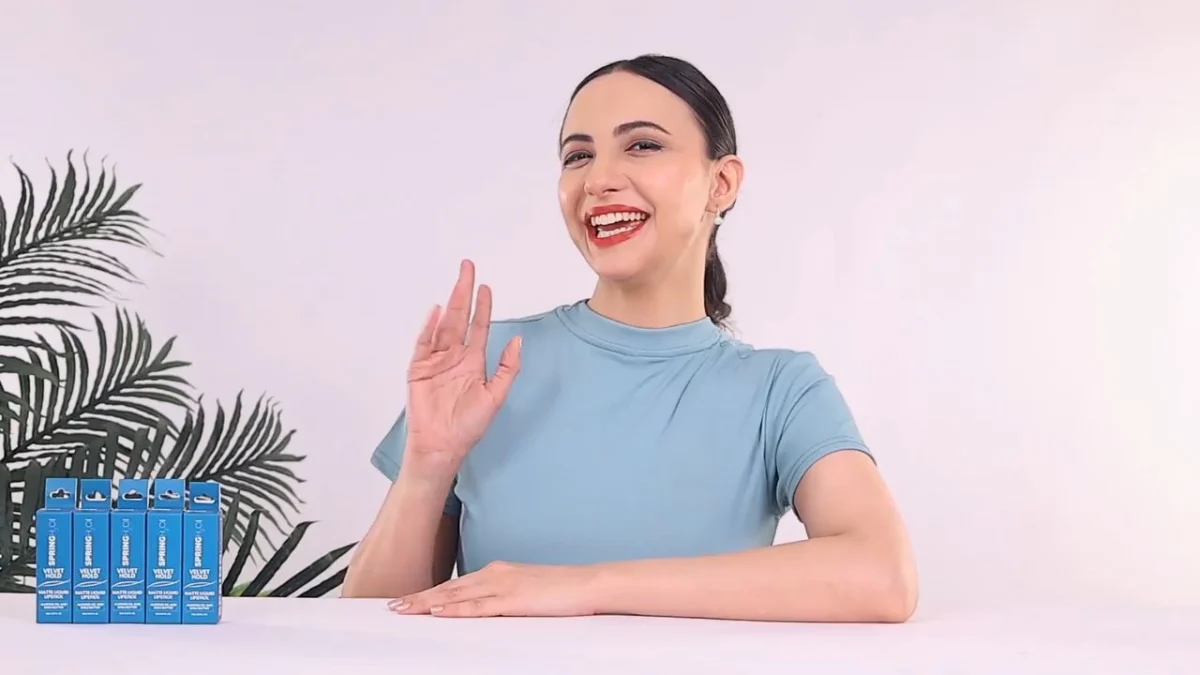
Capture the physical proof first, then build the edit around an accurate opening, demonstration and next step. Keep framing and captions suitable for the intended placement and inspect the finished asset on a phone.
For a vertical delivery, a 9:16 working frame such as 1080 by 1920 is a practical starting point. Keep the product, face and essential subtitles away from interface overlays, then check the current placement preview before approval. There is no universal safe-zone margin for every app and placement. Export other aspect ratios from a deliberate crop rather than hoping an automated crop preserves the evidence.
For a comparison experiment, choose a workable duration such as twenty to thirty seconds as a planning choice, not as a platform limit. Give the opening one clear job, show the product action long enough to understand, and make captions readable without sound. Review pronunciation, subtitle spelling, skin texture, packaging continuity and whether the editor has accidentally removed an important qualification.
Meta Ads on Facebook and Instagram can require different crops from an organic Instagram Reel or a YouTube Shorts upload. LinkedIn explainers may need a more deliberate opening for a professional audience. For Amazon or Nykaa product content, check the seller’s current placement rules instead of recycling a social cut with unsuitable claims, music or interface text.
Test AI UGC vs real UGC without confusing format and message
Compare assets that answer the same buyer question with the same offer, destination and measurement window. Use the platform’s experiment tools where available, and judge qualified business outcomes alongside attention metrics.
AI UGC vs real UGC: define the hypothesis
Write the hypothesis before launch: ‘A filmed texture demonstration will reduce uncertainty more effectively than a synthetic explanation of the same feature.’ Keep the approved claims and call to action aligned. If one video changes the offer, script, length, music and audience at once, the experiment cannot isolate whether the presenter format caused the difference.
Hook rate is an opening-view measure; teams calculate it using different view events and denominators, so state your definition. Click-through rate measures clicks relative to impressions, while acquisition cost relates spend to the conversion being counted. None of these alone proves trust. Inspect conversion quality, comments, refunds where relevant and the consistency of the landing-page promise.
For a small test, predefine a budget cap and a stopping rule based on your economics and expected conversion volume. There is no universal spend or number of days that proves a winner. Let the media buyer explain the uncertainty when events are sparse. At Adverra Studio, the useful output of a test is a clearer next brief, not a claim that one video format always wins.
When the brief needs conversion-focused variants, performance UGC creatives connect the product evidence to an opening, an objection and a clear action. Use the experiment to refine the next version rather than infer a universal winner.
Review Meta Business Help Centre guidance for current experiment and placement options. Interface settings and eligibility can change, so use the guidance for the account and placement you will actually run.
Check disclosure, likeness consent and usage rights before launch
Check advertising disclosure, claim evidence and the permission to use every person’s image, voice and footage. Synthetic media adds identity and provenance questions; human footage still needs a clear commercial licence.
For Indian creator advertising, review the current ASCI influencer advertising guidance and applicable platform requirements. A commercial relationship and an AI-generated representation are different disclosure questions; one label may not explain both. Place disclosures where viewers can notice and understand them. This is a production checklist, not legal advice, and regulated product categories may need specialist review.
The licence should specify the channels, territory, term, paid usage, editing rights, raw-footage access, music and any creator-account advertising permissions. Whitelisting, often used as a loose industry term, refers to permissions that let a brand run ads through a creator identity; platform products such as partnership ads have their own access rules. Paying a production invoice does not automatically grant unlimited use.
For AI avatar ads, obtain explicit scope for likeness replication and voice cloning, including approved contexts and whether future model training is permitted. Check the tool’s commercial terms and deletion process. Never assume consent to a filmed campaign also permits a digital double. Keep the signed permissions with the asset register so the media team can stop using an expired licence.
Use the Advertising Standards Council of India guidance as a starting point for Indian advertising disclosure, and review YouTube guidance on altered or synthetic content before distributing realistic synthetic material there. Recheck the relevant policy at launch.
Compare total production effort instead of only file cost
Compare the full scope: scripting, casting, generation, filming, approvals, correction, licensing and measurement. Use written quotes for equivalent deliverables, because a low headline cost can hide important work or restricted rights.
An avatar subscription and a commissioned creator shoot are different purchases. One might include a tool allowance but no strategy, claim review or product footage. The other might include recording and editing but exclude additional languages or paid usage extensions. Ask each supplier to describe exactly what you receive rather than trying to compare unlike headline numbers.
Localisation needs more than swapping a voice track. Check whether the speaker, idiom, pronunciation, subtitles and example fit the intended audience, and arrange human review by someone fluent in that language. Avoid manufacturing a personal story through dubbing that the original creator never approved. Regional versions should preserve the original claim boundaries and respect the licence.
If your comparison has reached the commercial stage, use a scoped production enquiry rather than a generic promise of unlimited variants. Adverra Studio can discuss a brief around the actual product and required assets. The decision in AI UGC vs real UGC should reflect the evidence you need, the rights you can secure and the work required to produce an approved usable creative.
For a scoped conversation, call +91 90153 33841 or email [email protected]. You can also send the product and intended placements on WhatsApp at +91 90153 33841. A clear enquiry makes the comparison more useful than a file-price benchmark without rights or deliverables.
Avoid the mistakes that make either format less believable
Avoid fabricated experience, misleading product visuals and experiments that change too many variables. Good production starts with honest evidence and a clear brief, regardless of how the presenter was created.
The first mistake is using ‘authentic’ as permission to stage a false independent review. A paid creator can deliver a useful, clearly disclosed demonstration without pretending to be an ordinary customer who discovered the product by chance. The second is over-editing: aggressive beauty filters, altered colours or removed qualifications can undermine even genuinely filmed footage.
Another mistake is treating a generated scene as a product photograph. Check pack size, label wording, shade, opening mechanism and the way the product behaves. If the result is only illustrative, identify it as such and keep it away from claims that depend on literal accuracy. Never use generated before-and-after imagery as evidence of a person’s outcome.
Finally, do not write off a production method after one poorly matched asset. Fix the brief, then run a focused test. The relevant question is whether a particular creative answers a particular objection for your audience. AI UGC vs real UGC works best as a disciplined decision framework, not a team identity or an excuse to skip quality control.
Use this launch checklist and keep the next test specific
Approve the evidence, permissions, finished exports and experiment plan before handing files to the media team. Then document what the results change about the next creative brief.
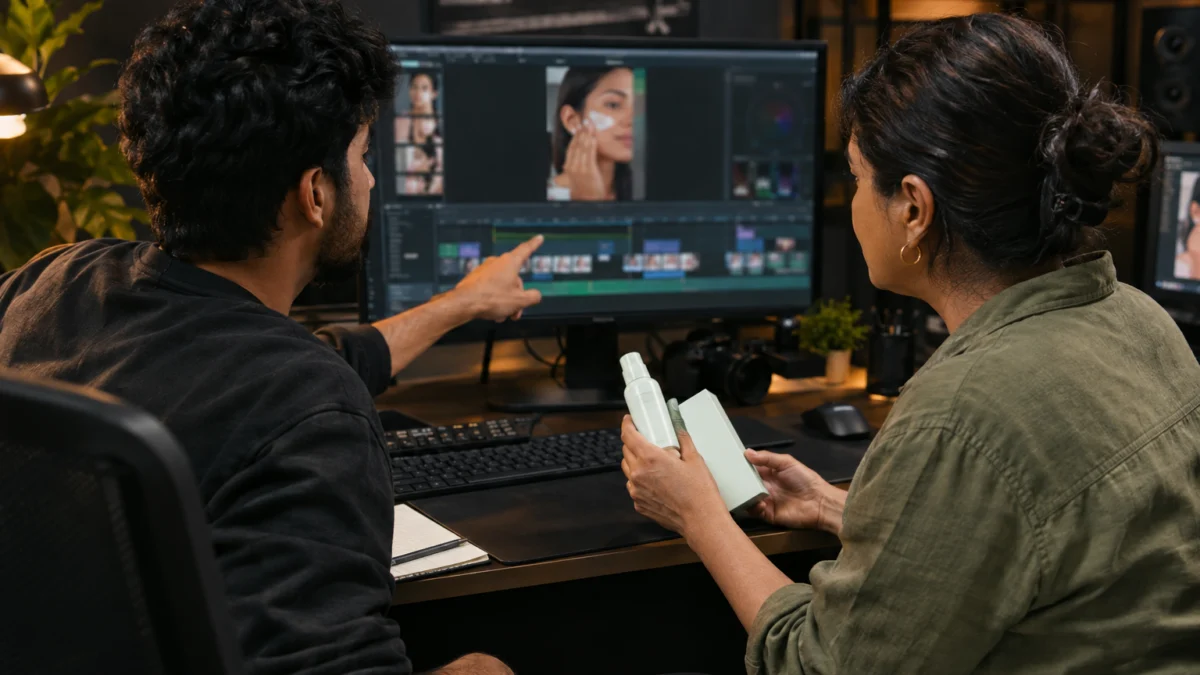
Use an asset register with fields for origin, product version, claim approval, creator or avatar consent, usage expiry, soundtrack rights, disclosure and final export location. Give every variant a meaningful name. If the opening changes but the product demonstration stays the same, record that relationship so the team can interpret the test later.
Before approval, watch on a phone with sound on and off. Check that captions explain rather than contradict the image, that a disclosure remains readable and that the call to action matches the landing page. Include a contact person who can resolve claim questions before an asset launches. A good process makes small corrections while they are still inexpensive.
For 2026–2027 planning, build a process that can adapt when tools and platform policies change. Do not base the production calendar on an assumed future feature or a promised performance trend. Keep source footage, consent records and editable project files organised where your agreement allows. That makes it easier to replace a presenter, update a claim or retire an asset responsibly.
Approve the five handover checks
- Evidence and product appearance match the approved claim.
- Commercial relationship and synthetic elements are disclosed where required.
- Usage rights cover the planned channels and dates.
- Captions, crops and sound pass a phone review.
- Experiment hypothesis, success measure and stopping rule are documented.
To connect format choice with the rest of your creative plan, compare UGC video formats by funnel stage. Adverra Studio can help turn an approved evidence brief into creator-shot assets; call +91 90153 33841 or send the brief to [email protected].
What else should D2C teams know before choosing?
These answers separate format choice from proof, consent and commercial performance. Use them to resolve the final questions in your production brief.
No. AI UGC usually describes a generated creator-style advertisement, not evidence of a customer’s experience. A synthetic presenter cannot personally use a product. Commissioned human creator footage is also different from an unsolicited review, so describe the relationship accurately and check advertising disclosure requirements before publishing.
There is no universal winner. Performance depends on the message, product, audience, offer and execution. Human footage can provide useful physical demonstrations, while synthetic presentation can explain approved information. Compare matched creatives using an experiment plan and inspect meaningful conversion outcomes rather than assuming the presenter format determines success.
Yes, provided the edit preserves truthful product representation and the agreed rights. Captions, cleanup and graphics can support recorded footage. Generated additions need extra scrutiny when they change the apparent product behaviour or speaker identity. Identify illustrative scenes and obtain explicit permission before cloning a creator’s likeness or voice.
Check commercial-use terms, likeness and voice permissions, approved contexts, territory, duration and any restrictions on editing or training. Review disclosure and platform policies separately. Consent for an ordinary filmed campaign does not automatically permit a digital replica, and paying for a generation tool does not guarantee every necessary right.
Use the same buyer question, approved claims, offer and destination, then define your measurement window and stopping rule before launch. Keep the format difference as clear as practical. Review attention and click metrics alongside acquisition quality, and acknowledge uncertainty when the test produces too few conversions to support a conclusion.
Use accurately filmed product footage when the buyer needs to inspect texture, application or finish on skin. A synthetic presenter can explain approved instructions but should not imply personal use. Avoid manipulated before-and-after evidence, validate the claims and make any paid relationship or synthetic representation clear under applicable requirements.
Your next step is to identify the objection your current creative does not answer. If the missing piece is a clear spoken explanation over accurate product footage, explore voiceover product videos as a practical next format. The comparison is most useful when it ends in one testable brief.
Build a more useful brief.
Name the objection
Decide what the buyer needs to see or understand before choosing a production method.
Capture the evidence
Record the actual product where physical proof matters, and check claims and permissions.
Test a clear hypothesis
Compare matched messages and turn the results into the next creative brief.