Fashion Shoot Shot List for D2C Apparel: Prepare Product Images for 2027
A practical fashion shoot shot list for SKU coverage, accurate product evidence and channel-ready handover. Prepare the next apparel shoot around what a shopper needs to see.
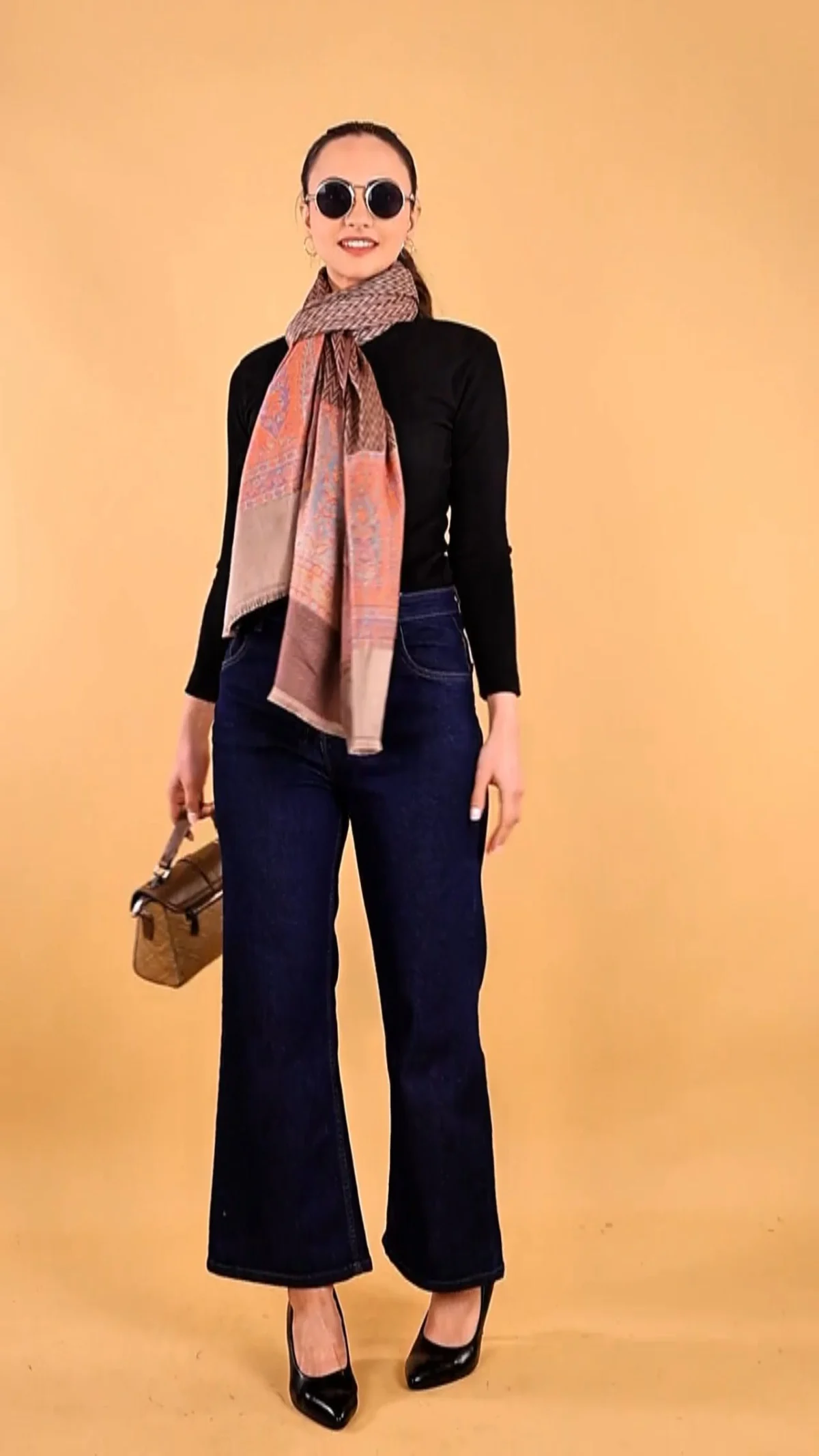
A fashion shoot shot list should prevent a product from reaching upload day with the wrong views, an unverified colour or no usable crop. If your next launch needs clean product evidence as well as campaign assets, brief fashion shoots for D2C brands around the sellable SKU and its destinations. Adverra Studio uses production briefs to connect creative direction with an approval decision; the worksheet below gives your team a practical starting point.
A SKU is the identifier your commerce team uses for a sellable item or variant. This guide follows an illustrative apparel brief from sample readiness through capture, retouching and upload; it does not describe a named client project. The aim is simple: every launch-blocking question should have a photograph, a responsible person and a clear acceptance test.
Key takeaways
- Plan per sellable variant and buying question.
- Separate main, supporting and campaign image roles.
- Approve fit, colour and crops before repeating a setup.
- Check each destination specification independently.
- Deliver a SKU manifest with the approved files.
Build your fashion shoot shot list around the sellable SKU
Start with the exact product variant a customer can order, then assign the views needed to explain it. A fashion shoot shot list should connect each approved image to a SKU, a customer question and an intended channel.
Create a fashion shoot shot list ownership column
A moodboard can describe an atmosphere, but it cannot tell your upload team which photograph belongs to the olive shirt in size M. Begin with the product master, not a folder of visual references. Confirm style code, colour name, sample size, sellable sizes, fabric, closure, included pieces and launch priority before the garments leave your warehouse.
Separate a style from a variant. A navy shirt and an ivory shirt may share construction, but they need their own accurate colour evidence. A new size does not automatically require a new full image set; the decision depends on whether fit, proportion or a channel requirement changes. Record that decision instead of letting the crew assume it.
Use a simple priority system: launch-blocking images first, useful supporting views second, optional campaign experiments last. If a sample arrives late, the producer should know which listing is blocked and which creative idea can move. This is more actionable than asking everyone to capture as much as possible.
In this worked example, a two-colour cotton overshirt needs a front view for each colour, a back view, fastening detail, fabric close-up and a fit reference. Those are proposed planning choices, not a universal image count or a promised package. Add or remove views according to what a buyer still cannot understand.
Copy this fashion shoot shot list template into your brief
Give every required photograph its own row with an owner, an acceptance check and a delivery destination. The fashion shoot shot list becomes useful when a stylist, photographer, retoucher and catalogue manager can all act on the same row.
Use a fashion shoot shot list acceptance rule
A usable row describes an observable result. Replace premium close-up with cuff fastening visible, both buttons in focus, no hand covering the placket. Replace lifestyle image with full-length standing view showing the hem and footwear, with enough surrounding space for the agreed crop. The second wording tells the crew when the job is finished.
Add status fields for sample received, captured, selected, retouched, approved and exported. Keep rejection reasons beside the row: wrong colour sample, missing belt, focus failure or crop too tight. Your ecommerce shot planning then becomes a handover system rather than a collection of instructions that nobody updates.
Assign one final approver for colour and one for product identity. The same person can hold both roles, but the responsibility must be explicit. A stylist may approve how a sleeve sits while a catalogue manager catches a mismatched variant code. Both checks matter, and neither should rely on remembering a conversation.
At Adverra Studio, the useful briefing question is what must this image prove before it can be approved? Put the answer in the acceptance column. Send the sheet with product references and channel specifications, then freeze the approved version before shoot day. Track later changes in a separate change log.
| SKU / colour | View | Question answered | Acceptance check | Destination / owner |
|---|---|---|---|---|
| OS01 / olive | Front | What am I buying? | Entire overshirt visible; correct sample | Main image / brand approver |
| OS01 / olive | Back | How does the rear fall? | Hem and seam visible | PDP support / stylist |
| OS01 / olive | Cuff detail | How does it fasten? | Buttons sharp and unobstructed | PDP detail / photographer |
| OS01 / ivory | Colour reference | Is this the right shade? | Physical-sample comparison approved | Master / colour approver |
| OS01 / both | Motion take | How does it move? | Controlled turn; silhouette readable | Social export / producer |
Separate the main product view from supporting apparel product images
Choose one image that clearly identifies the item for sale and supporting images that answer specific buying questions. Main images and additional images serve different roles, so a campaign composition should not automatically become the product feed image.
Protect the product record before experimenting
For an overshirt, the main view should make the garment identifiable without requiring the shopper to decode a pose or a layered outfit. A supporting view can show the back, cuff, collar or fabric surface. A lifestyle frame can explain styling, but it must not create confusion about whether the trousers, bag or jewellery are included.
Google uses image_link for the main product image and additional_image_link for additional views. Its main-image guidance asks merchants to represent the product accurately and avoid promotional overlays. Check the current documentation for the specific category rather than treating a creative preference as a technical policy.
Mark every apparel product images row with its intended role: feed main, PDP support, detail, editorial or paid creative. Then specify the item that must remain visible. This helps the photographer preserve a clean product record while still making expressive campaign assets. One frame may have several uses only if it passes every relevant check.
Do not let retouching become product redesign. Removing background dust differs from changing garment length, smoothing away a real seam or making a thin fabric look opaque. Document acceptable cleanup in the brief and flag changes that alter what the customer will receive. Accurate evidence is more valuable than a beautiful mismatch.
Use Google’s main product image specification as the authoritative reference for Google feed decisions. Review your fashion shoot shot list against the actual category and account context before signing off.
Capture fit, movement and clothing detail shots deliberately
Show the silhouette first, then the details that a full-length image cannot explain. On-model product photos should reveal fit and drape, while clothing detail shots should prove construction, texture and functional features.
Brief a fashion shoot shot list movement take
Write a view sequence that the crew can repeat: neutral front, useful three-quarter angle, back, side where the cut needs explanation, and close-ups of decision-making details. This is a suggested working sequence, not a requirement imposed by every platform. A sari, a structured jacket and a stretch legging need different evidence.
Give the model a product task rather than a vague instruction to look natural. For a jacket, show how it closes without hiding the fastening. For trousers, allow the waistband, rise and hem to remain visible. For a dupatta, show its fall while keeping the base garment distinguishable. Accessories should support the story rather than obscure the item.
Record the worn sample size and the model measurements you have permission to share. Do not invent measurements from appearance. If fit notes will appear on the PDP, the brand should verify them against its size chart. An attractive on-model product photos set cannot compensate for a wrong size label beside the images.
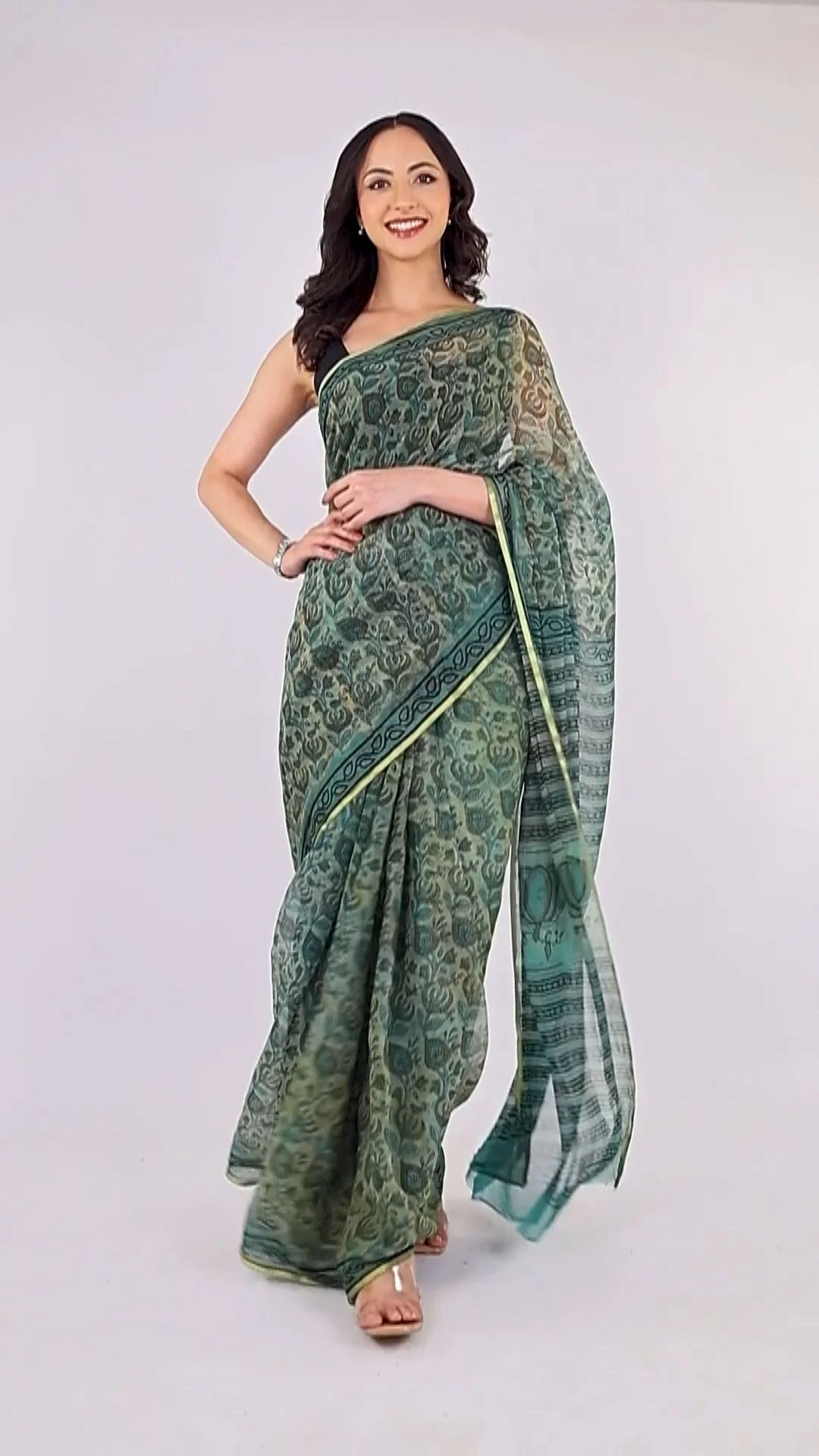
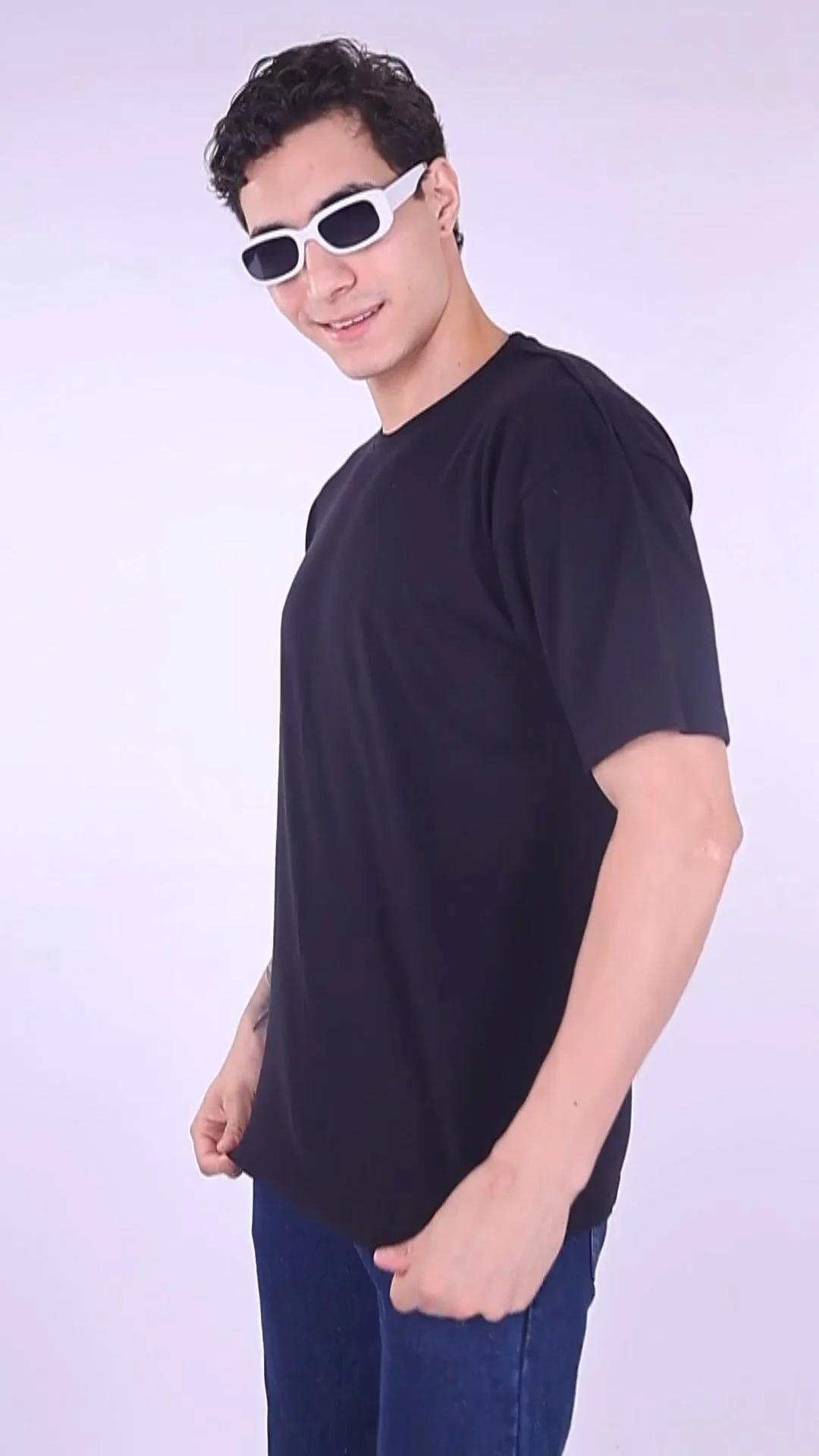
For motion, brief a beginning, middle and end: neutral standing position, controlled turn or walking action, return to a readable garment view. Keep movement purposeful so the fabric can be assessed. The library clip below is a fashion motion reference; it is not a guarantee of your deliverables, production method or campaign performance.
If you also need campaign talent, specify movement ability, fit suitability and usage permissions before arranging professional models for campaigns. Stills approval and motion approval should be separate sheet columns. A sharp photograph does not prove that the walking take shows the garment without blur or obstruction.
Check garment colour accuracy before the set changes
Approve colour against the physical sample under a controlled review setup before shooting the rest of the batch. Consistent lighting, a reference capture and a clear retouching instruction are more useful than trying to repair an entire inconsistent catalogue afterwards.
Keep reference decisions with the image selections
Ask the photographer to establish a reference frame whenever lighting or the shooting setup changes. Keep the approved garment sample available to the person reviewing colour. A phone display at maximum brightness beside a warm window is an unreliable approval environment; it can hide an issue that becomes obvious on another screen.
Check tricky materials early: glossy satin, deep black fabric, pale neutrals, embroidery and garments containing several close shades. The goal is not identical appearance on every customer device, which you cannot guarantee. The goal is a consistent, defensible product representation produced from a controlled capture and review process.
Inspect fabric texture at a useful magnification. Excessive noise reduction can make linen look plastic; heavy contrast can hide a dark seam; aggressive saturation can turn a muted shade into a different colour. Record specific corrections rather than requesting a premium edit. Garment colour accuracy needs a named approver and an approved reference.
When one physical sample represents multiple planned colours, do not assume digital recolouring is suitable for every use. Ask how the true shade, trim and fabric behaviour will be verified for each sellable variant. Keep synthetic assets clearly distinguished from captured product evidence and review the destination channel's current requirements.
Plan separate channel exports for the 2027 Google update
Capture reusable source material, then create exports against each channel's current specification. Google's announced January 2027 image-size change is a reason to audit source quality now, not a reason to apply one universal marketplace template.
Audit a fashion shoot shot list by destination
Google's official image guidance announces at least 500 × 500 pixels for all products beginning 31 January 2027, and recommends images of 1500 × 1500 pixels or above for performance across listing formats. Treat the minimum as a compliance floor and the recommendation as Google's guidance. Neither statement establishes a guaranteed ranking or sales improvement.
The same announcement appears in Google's additional-image guidance. Your fashion shoot shot list should therefore cover the main image and supporting exports rather than checking only the hero file. Keep a sufficiently detailed source; enlarging a tiny old image does not recreate missing fabric or stitching detail.
For Amazon and Flipkart, obtain the current category-specific image brief from the seller account before capture. Do the same separately for Myntra and Ajio. Avoid copying dimensions from an old agency deck. A specification register should store channel, category, source link or document, date checked, owner and the exact export decision.
Meesho and Nykaa requirements should be checked only where you actually sell the relevant category. Your owned website has its own layout and crop constraints. Create a preview against the actual PDP template, including mobile, rather than assuming a square file will display well everywhere. Keep main-image selection separate from the crop recipe.
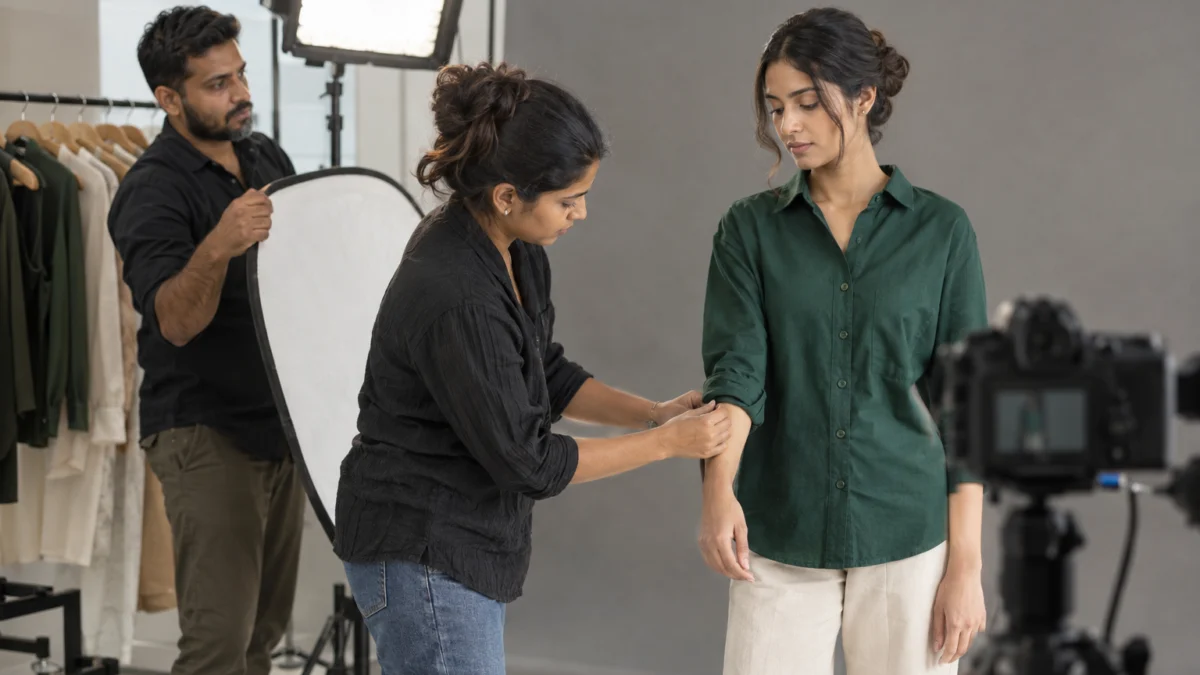
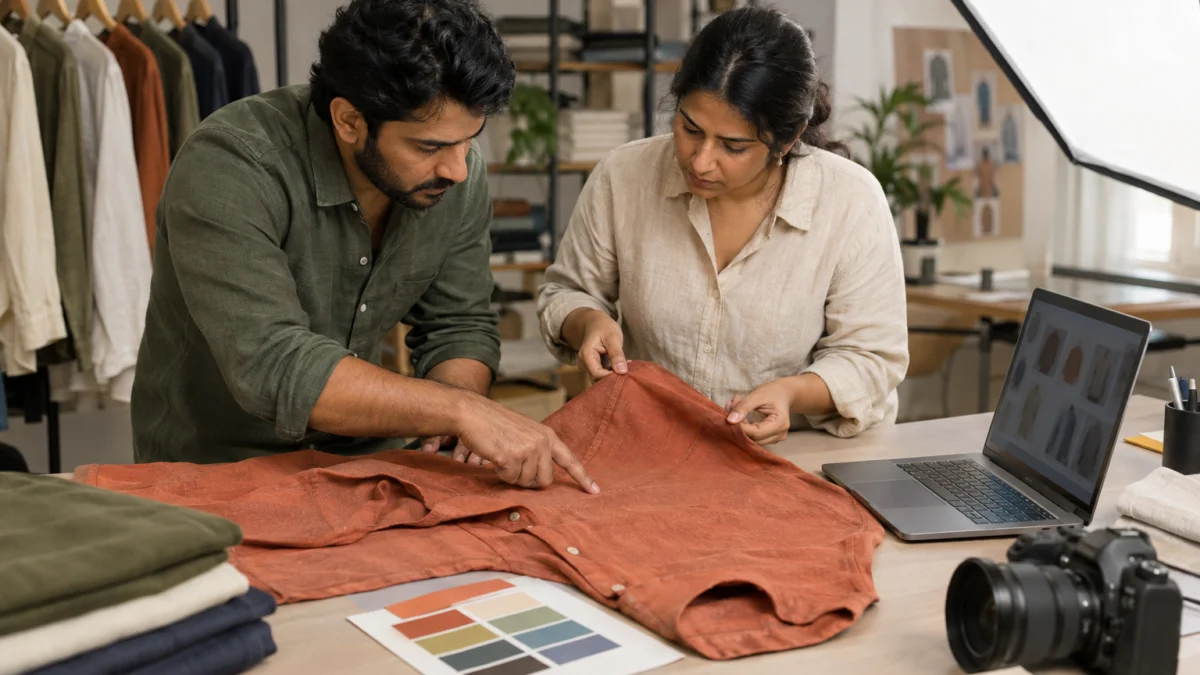
If a product image is generated using AI, Google's guidance requires metadata indicating its AI origin and says not to remove relevant embedded metadata. The AI banner and illustrative BTS images in this article are editorial illustrations, not apparel listing evidence. Do not silently substitute imagined garments for the product your customer can buy.
Check Google’s additional product image specification alongside the main-image requirements. For wider creative planning, the existing marketplace content planning article explains how product content fits the broader ecommerce workflow; the current destination specification still governs your files.
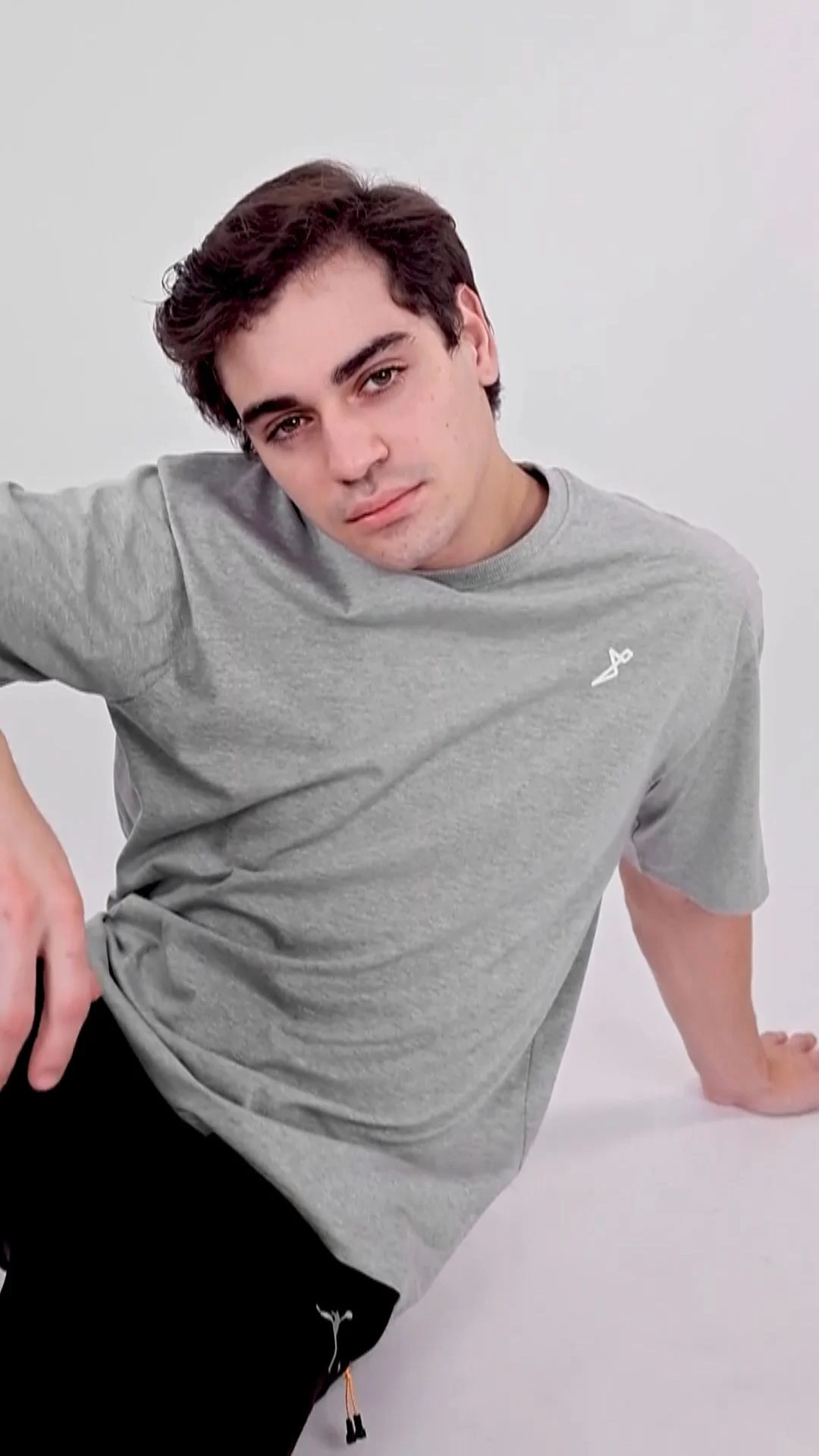
Reserve crop space before capturing paid and social variants
Describe the final placement before the photographer or videographer locks the composition. A product catalogue frame, a vertical social clip and a wide website image can share a shoot, but they need deliberate framing and separate acceptance checks.
Make motion a deliverable rather than an accidental extra
Create a crop overlay for the placements you have actually commissioned. A 9:16 vertical composition for Instagram Reels or YouTube Shorts can lose the hem if it is derived carelessly from a tight horizontal shot. Keep the garment and the important action away from areas that the destination interface may cover, then check a current placement preview.
For Meta Ads on Facebook and Instagram, make a clean product-first version and a separately approved creative version where messaging is needed. Do not bake campaign text into the only product master. A later offer change should require a new export, not another shoot. Save uncluttered source files and editable text layers where the scope includes them.
LinkedIn may need a brand or production-story crop rather than a product listing frame. That can be useful for a founder's post, but it should be an optional deliverable with its own purpose. Avoid expanding the brief to every channel merely because the team is already on set. Every extra setup competes with core SKU coverage.
Where creators appear in paid or sponsored content, agree usage rights, media, territory, duration, edit permission and renewal before release. Whitelisting, often discussed as partnership ads, involves advertising through an authorised creator identity; access and consent require explicit agreement. Include ASCI disclosure requirements where a material connection exists, and have the responsible team review compliance. This is operational guidance, not legal advice.
UGC means user-generated content; in a commissioned production, clarify who creates it and what rights the brand receives. If your motion brief extends to paid creative, adapt the script and hook planning framework to the garment evidence you already captured. Review ASCI’s influencer advertising guidelines before releasing sponsored creator content.
Build a catalog image handover your upload team can audit
Deliver approved files with a manifest that connects each image to its SKU, view and destination. A catalog image handover is complete only when the receiving team can identify the correct file without asking the photographer to explain the folder.
Make a fashion shoot shot list survive the handover
Use a predictable naming pattern such as STYLE-COLOUR-VIEW-CHANNEL-VERSION. Keep the relationship to your commerce system's SKU explicit, even when that system uses a different code format. Avoid names such as final-final-new. The filename should help a human, while the manifest remains the source of truth for upload mapping.
Separate source masters, retouched masters and destination exports. Keep rejected selections outside the approved folder. Include dimensions, format, approval status, approved colour reference and the person who signed off. If the agreed scope excludes RAW files or layered working files, record that before the job rather than treating them as an assumed inclusion.
Run a spot check by product family and an identity check against every export row. Open the actual files, not just the contact sheet. Verify the colour variant, visible details, orientation, crop, sharpness and naming. Then test a sample upload in the receiving system so that broken paths, unsupported formats or incorrect mapping surface before the entire batch goes live.
At Adverra Studio, a useful handover discussion starts with who will upload these files and what information do they need? Share your manifest format early. For a scope conversation, call +91 90153 33841 or email [email protected] with your SKU count, samples and channels; those inputs matter more than a folder of moodboard screenshots.
| File group | Purpose | Approval gate |
|---|---|---|
| Source master | Capture evidence and future agreed edits | Scope and access agreed |
| Retouched master | Approved product representation | Product and colour signed off |
| Channel export | Upload to one named destination | Crop, size, format and mapping checked |
Fix the brief mistakes that force avoidable reshoots
Most preventable gaps are missing decisions: the wrong sample, an unverified crop or nobody authorised to approve colour. Review those decisions before capture, and keep a written exception list for anything that remains unresolved.
Reject ambiguous notes before shoot day
The first common mistake is approving a flattering outfit without checking which item is being sold. If a belt is not included, say so in the styling notes and decide whether it belongs in the main image. If the sample has a temporary alteration, record whether the finished garment will match. Concealing the mismatch creates a customer problem rather than solving a photography problem.
The second is leaving clothing detail shots until the end. Small details become harder to recover after a garment is packed, a model leaves or a lighting setup changes. Group the detail checklist with the relevant SKU so that closures, pockets, lining and texture are checked while the product is still ready to shoot.
The third is merging production approval with commercial approval. A retoucher can confirm that the file is technically clean, but the brand must confirm that it represents the sellable item. The fourth is requesting every possible ratio without identifying actual destinations. Use a destination matrix and remove unused outputs before they consume time.
One practical advanced check is to review an entire product family side by side. A single image may look acceptable while the grid reveals inconsistent scale, horizon or white balance. Keep the approved anchor frame visible during batch review. This protects catalogue consistency without forcing every garment into a composition that hides its shape.
Run this SKU photo checklist before signing off the shoot
Confirm readiness before capture and evidence before approval. This SKU photo checklist creates a clear stop point when a missing sample, permission or channel specification would otherwise become an expensive assumption.
Close a fashion shoot shot list with evidence
Before the shoot, reconcile the physical sample rail with the SKU sheet. Check steaming, repairs, sizing notes, included accessories, required views, model permissions and destination specifications. Assign a decision-maker who is available during the shoot. An unanswered approval message should not quietly become permission to improvise.
During capture, review the first completed SKU as an end-to-end test. Confirm framing, garment colour accuracy, detail visibility and the sample export crop. If something fails, fix the setup before repeating it across the batch. Mark exceptions immediately and identify whether a reshoot, a replacement sample or a scope decision is needed.
Before handover, compare the approved manifest with the upload requirement. Confirm that every launch-blocking row has a file, every file maps to the intended product and every promised crop opens correctly. Retain the approval log and the relevant specification version. For future launches, reuse the structure of the sheet and recheck the facts instead of copying old assumptions.
Fashion shoots are quoted per campaign; this checklist does not establish a price or a package. Send Adverra Studio your SKU count, view requirements and destination matrix for a scoped discussion. The published general photography turnaround is 48–72 hours, but confirm your actual schedule and dependencies when agreeing the brief rather than promising an unapproved launch date.
- Confirm samples, variants and the fashion shoot shot list owner.
- Approve the first complete SKU before batch capture.
- Record colour, fit and detail decisions.
- Create and test destination exports.
- Reconcile the manifest and release approved files.
Share the brief on WhatsApp at +91 90153 33841, or call +91 90153 33841 to discuss the production scope. Adverra Studio can review the planned deliverables against the services you need; approval of a brief does not replace the seller account’s current requirements.
Answer these apparel shoot questions before booking
Use these answers to settle the brief before production begins. Keep the agreed decisions in your working sheet so the whole team uses the same version.
Include the SKU, colour variant, sample size, required view, customer question, destination, owner and acceptance check. Add capture, approval and export statuses so the sheet remains useful after shoot day. Describe observable details, such as a visible fastening or an unobstructed hem, rather than asking for a premium-looking photograph.
Each sellable colour needs accurate visual evidence of the product the customer will receive. Do not assume a photograph of one shade proves another. A different size may not need a separate full set if appearance and fit evidence remain suitable, but record the decision and check the relevant channel requirements.
Google announces a minimum of 500 × 500 pixels for all products beginning 31 January 2027 and recommends images of 1500 × 1500 pixels or above. Check both main and additional images. These are Google requirements and recommendations; confirm other marketplaces independently instead of applying the same specification everywhere.
One source photograph can sometimes support several destinations, but each export must meet its own requirements and composition needs. Confirm the current category specification and preview the actual crop. Keep a clean product master separate from text-led paid creative so a new campaign message does not require another product shoot.
Compare the image with the physical sample under a controlled review setup and use an agreed reference capture. Name the person responsible for colour approval and record specific corrections. Check texture as well as shade. The aim is a consistent representation, not a promise that every customer screen displays identical colour.
Include approved files, a manifest mapping each export to its SKU, view and channel, and a clear approval record. Separate masters from destination exports and remove rejected selections from the approved folder. Agree source-file access and usage permissions in advance, then test a sample upload before releasing the full batch.
Your next step is to send the approved fashion shoot shot list, sample status and destination matrix to a production partner. Review the fashion photo and video shoot deliverables at Adverra Studio, then ask for a scope matched to the product evidence your launch needs. For an initial discussion, call +91 90153 33841, WhatsApp +91 90153 33841 or email [email protected].
From brief to approved files.
Plan the evidence
Match each SKU and view to a customer question and destination.
Approve the capture
Check the first SKU for fit, colour, details and usable crop space.
Audit the handover
Release approved exports with a SKU manifest and clear ownership.